You can't sign off on blanket VPN or RDP to legacy apps. WebStream gives you session logging, document egress control, and policy enforcement — so the business moves forward without blind spots.
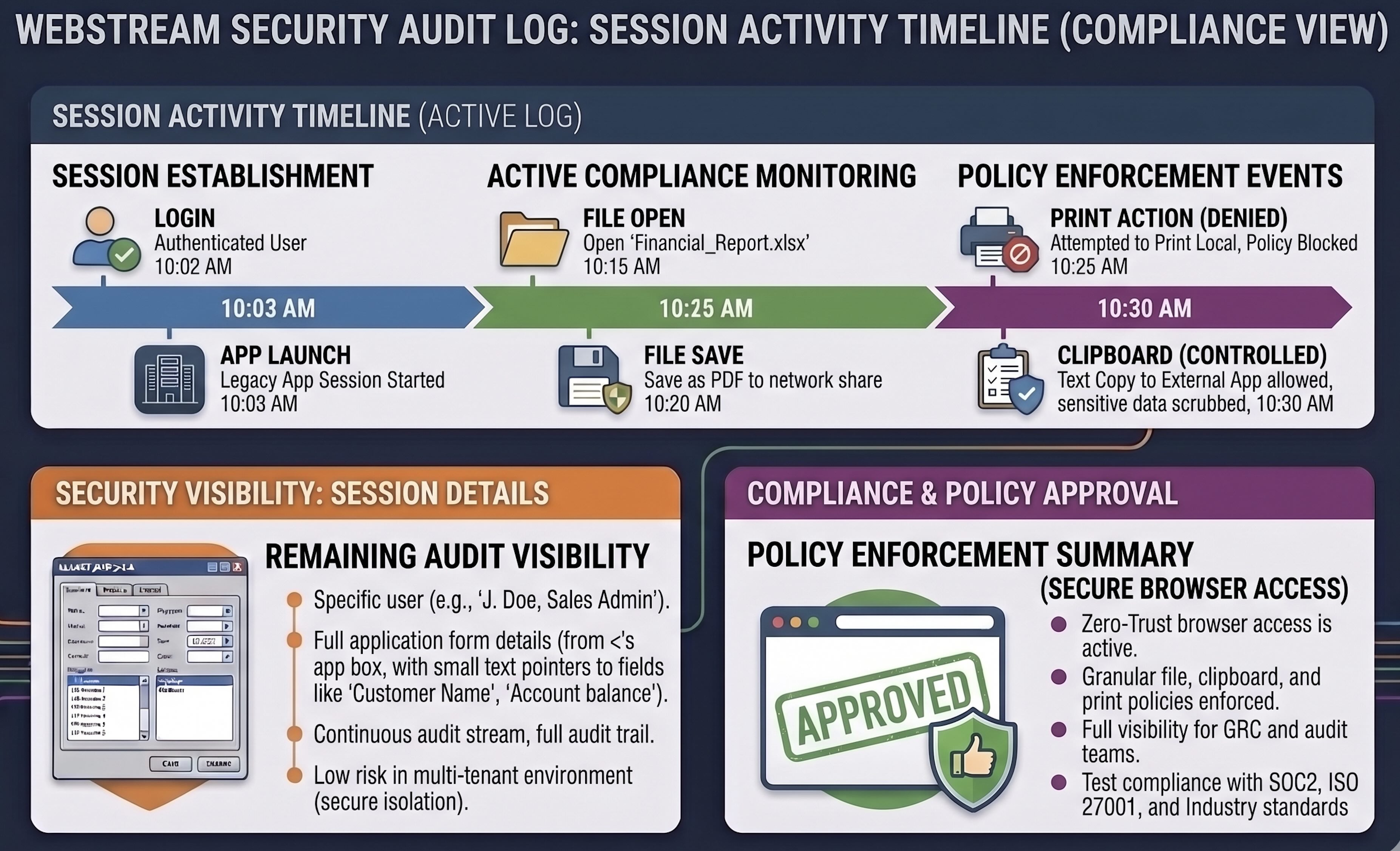
Security isn't blocking cloud migration out of preference — the access models on offer don't meet audit, egress, or visibility requirements.
Direct remote desktop access provides no granular session activity log, no file transfer visibility, and no policy enforcement at the application boundary.
Architecture reviews stall because IT proposes moving sensitive workloads to the cloud with the same opaque access patterns used on-prem.
Users can print, copy, and download sensitive records through legacy apps — with no central policy on what leaves the controlled environment.
Professional services, healthcare, and government clients expect demonstrable controls — not exceptions carved out for one Windows application.
WebStream ACP sits between the browser and the Windows application — every interaction passes through a governed control plane.
Log user sessions, policy events, and application activity — giving your team evidence for internal audit and client questionnaires.
Define policies for file upload, download, print, and clipboard — so sensitive records don't leave the environment unchecked.
No VPN client, no RDP port exposure. Users authenticate via SSO; access is session-based and centrally managed.
“IT wanted to put the practice management system in the cloud and give everyone VPN access. We couldn't approve that — there was no visibility into what users were doing inside the application.”
Practice management, document assembly, and billing systems handling privileged client matter — where egress control and audit trails are non-negotiable.
Clinical and administrative Windows applications with patient data — requiring demonstrable access controls beyond blanket remote desktop.
Agency administrative systems where security architecture review demands session visibility and policy enforcement at the application layer.
Schedule a PoC to evaluate session logging and policy configuration — or read the security documentation first.